
Agents in Jira: What Atlassian's 2026 Launch Means for Cross-Platform Operations
Atlassian launched Agents in Jira in February 2026, bringing AI agents directly into Jira boards and workflows. Here's what it means for teams running Salesforce, Zendesk, and Jira — and where the gaps remain.
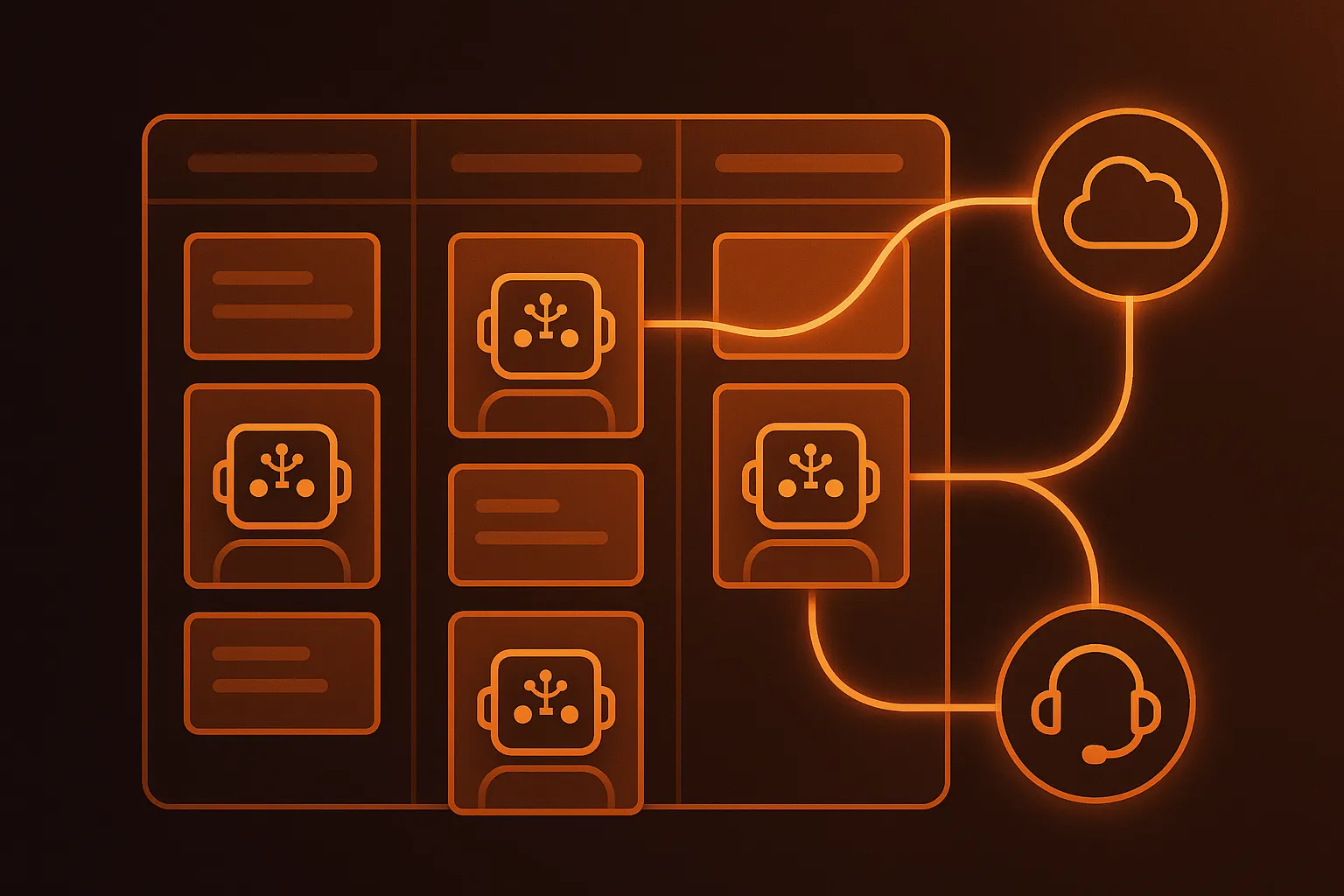
Quick Answer: Atlassian launched "Agents in Jira" on February 25, 2026, giving teams the ability to assign tickets to AI agents, @mention agents in comments, and embed them into Jira workflows. It's the most aggressive move yet by a major platform vendor to make AI agents a first-class participant in project management. But for operations teams running Salesforce, Zendesk, and Jira together, the launch raises a critical question: does embedding agents inside one platform solve the cross-platform problem, or just relocate it?
The Announcement: What Agents in Jira Actually Does
On February 25, 2026, Atlassian announced the open beta of Agents in Jira alongside investments in the Model Context Protocol (MCP). The premise is straightforward: AI agents become first-class participants in Jira, not bolt-on chatbots or external automations.
The feature has three core capabilities:
-
Assign work to agents. An agent appears as an assignee on your board, with the same fields and patterns your teams already know. Jira tracks what state the work is in, how it fits into the sprint or release timeline, and whether it met the definition of done.
-
@mention agents in comments. Most agent work today happens in one-off chats disconnected from where the actual work lives. Now you can pull an agent into a comment thread on a Jira ticket, give it a short instruction, and get a response right there. The exchange stays in the work item history.
-
Embed agents in Jira workflows. You can add agents to Jira workflows so they take on discrete jobs at specific status transitions. An agent might automatically draft a user onboarding flow when a ticket moves to "In Design," then wait for human review and approval.
Tamar Yehoshua, Atlassian's chief product and AI officer, framed the launch as a coordination play: "You've been hearing in the zeitgeist lately that all of these agents are creating more work for people, and in some ways, more chaos. What we're really good at is putting order to that chaos."
The MCP Foundation: Why It Matters More Than the Agents Themselves
The more consequential announcement wasn't the agents — it was the infrastructure underneath them.
Atlassian committed to MCP as its standard for connecting agents to external tools and data. This is a deliberate strategic choice. Instead of building a proprietary integration layer where Atlassian decides which partners get access, MCP creates an open, standardized way for any agent to talk to any tool that publishes an MCP server.
In practice, this means:
- Rovo agents powered by Atlassian's Teamwork Graph (100+ billion data points across Jira, Confluence, and connected tools) can operate within the Atlassian ecosystem natively.
- Third-party MCP-enabled agents from partners like GitHub Copilot, Amplitude, Box, Figma, HubSpot, and Intercom can plug into Jira through Atlassian's gallery of MCP servers.
- Custom agents can connect to any MCP-compatible tool your organization uses, provided someone has published (or you build) the MCP server for it.
Atlassian's SVP Sanchan Saxena described the approach: "MCP gives agents an open, standardized way to talk to the tools and data you already use. You can bring your own models and agents, wire them up to your unique tools and data, and shape how those agents behave in your workflows."
By April 2026, Atlassian extended this same architecture to Confluence, launching three partner agents (Lovable, Replit, and Gamma) that carry Confluence content directly into external applications via MCP — no custom scripting required.
The Elephant in the Room: What Happens Outside Jira?
Here's where the story gets complicated for operations teams.
Most enterprise ops teams don't live inside one platform. They live across three: Salesforce for CRM and case management, Jira for engineering and project tracking, and Zendesk for customer support. The actual work — the escalation from a Zendesk ticket to a Jira bug, the Salesforce case that needs proof from a carrier portal, the SLA breach that triggers notifications across all three systems — happens in the spaces between these platforms.
Agents in Jira handles the Jira side beautifully. But consider what a typical cross-platform escalation workflow looks like:
- A customer files a complaint in Zendesk about a delayed shipment
- The support agent determines it's a freight claim and creates a Salesforce case
- The Salesforce case triggers an escalation to the Jira engineering team for root cause analysis
- Proof documents (BOL, POD, carrier response) are gathered from external carrier portals
- The claim resolution updates all three systems simultaneously
Agents in Jira can handle step 3. Steps 1, 2, 4, and 5? That's where the gaps begin.
Where Agents in Jira Falls Short for Cross-Platform Teams
1. Read Access ≠ Execution
The Teamwork Graph provides read connectivity to external systems like Salesforce and ServiceNow. An agent in Jira can see that a Salesforce case exists and query its fields. But executing a cross-platform action — creating a Salesforce case, updating a Zendesk ticket, attaching a document from a carrier portal — requires a separate automation layer that MCP servers don't currently provide.
MCP was designed for context sharing, not workflow execution. An agent can read your Salesforce data through the Teamwork Graph. It cannot create a case, escalate a ticket, or apply an SOP across systems.
2. The Atlassian Data Boundary
Atlassian's own documentation for the Teamwork Graph API includes a critical constraint: "For Preview and General Availability, we will implement policies and controls to ensure data accessed via the Teamwork Graph API is not egressed from the Atlassian platform."
This means that even as Atlassian opens read access to external data through the Teamwork Graph, it's actively working to ensure that data stays within the Atlassian ecosystem. For compliance and security reasons, that's understandable. For cross-platform operations teams, it's a ceiling on what agents in Jira can accomplish.
3. Agent Sprawl Within One Platform ≠ Cross-Platform Orchestration
Atlassian's framing — "10x the work, without 10x the chaos" — addresses a real problem: agent sprawl. When every team spins up its own AI agent with its own interface and its own record of work, coordination breaks down. Embedding agents in Jira gives them a single pane of glass for tracking.
But agent sprawl within Jira is different from cross-platform workflow orchestration. A Jira agent that can draft a comment and update a status is useful. A Jira agent that cannot escalate to Salesforce, cannot close a Zendesk ticket, and cannot gather proof from an external system solves only part of the problem.
4. MCP Server Gaps for Enterprise Ops Tools
The current MCP server gallery is heavily weighted toward developer and collaboration tools: GitHub, Figma, Canva, Amplitude. There are no MCP servers for the tools that operations teams depend on daily — carrier portals, TMS systems, ERP platforms, claims management software. The MCP ecosystem will fill these gaps over time, but today they represent real limitations for logistics, insurance, and supply chain teams.
5. Enterprise Rollout Friction
Community reports from the open beta indicate availability issues for Enterprise customers on continuous release tracks. One commenter noted: "This is very cool! However, seems like it is not yet available on our instance (Enterprise, continuous track) despite installing the Github Copilot agent." This is standard for Atlassian betas, but it means that the enterprises most likely to need cross-platform orchestration are the last to get access.
What Cross-Platform Operations Actually Requires
If you're running a team that spans Salesforce, Jira, and Zendesk, you need a different architecture than what Agents in Jira provides. Here's what cross-platform operations demands:
SOP-Driven Execution Across Systems
An SOP isn't just a document — it's a set of conditional instructions that span systems. "When a freight claim is filed in Salesforce, gather the BOL from the carrier portal, attach it to the case, and if the claim value exceeds $10,000, escalate to Jira with a P1 priority." That's one instruction that touches four systems. SOP-driven AI agents execute these workflows end-to-end, applying the logic consistently regardless of which system the work originates in.
Bidirectional Sync, Not One-Way Read
The Teamwork Graph can show you what's happening in Salesforce from within Jira. But cross-platform operations require bidirectional execution: creating records, updating statuses, attaching documents, and triggering workflows in every system simultaneously. One-way read access gives visibility. Two-way execution gives leverage.
Human-in-the-Loop at Every Critical Decision
Atlassian gets this right inside Jira — agents wait for human review before completing workflow steps. Cross-platform operations need the same guardrails extended across all systems. When an AI agent escalates a freight claim from Zendesk to Jira and simultaneously creates a Salesforce case, a human should approve that escalation before it goes live. HITL isn't a limitation; it's the feature that makes autonomous cross-platform work safe.
Audit Trails That Cross Platform Boundaries
Jira's audit trail captures what agents do inside Jira. Salesforce's audit trail captures what happens inside Salesforce. But when a workflow spans both systems, you need a single audit trail that shows the complete chain: what triggered the action, what the agent decided, what the human approved, and what happened in every connected system. Without this, compliance and incident reviews require manual correlation across multiple audit logs.
How CorePiper Fits With Agents in Jira
This isn't an either/or choice. Agents in Jira and cross-platform AI agents like CorePiper solve different layers of the same problem.
Agents in Jira is excellent for:
- Assigning and tracking AI work inside Jira projects
- @mentioning agents for research, summaries, and drafting within Jira comments
- Embedding AI steps into Jira workflows (ToDo → Agent Drafts → Human Review → Done)
- Managing the Jira-native parts of your operations
CorePiper is built for:
- Executing workflows that span Salesforce, Zendesk, Jira, and external systems
- SOP-driven automation that applies conditional logic across platforms
- Gathering proof documents from carrier portals, TMS systems, and email
- Providing a single audit trail across every system the workflow touches
- Human-in-the-loop approval gates at every critical decision point
The most effective architecture uses both: Agents in Jira for the Jira-native workflow steps, and CorePiper for the cross-platform orchestration that connects Jira to Salesforce, Zendesk, and beyond.
The Bigger Picture: Platform Agents vs. Cross-Platform Agents
Atlassian's launch is part of a broader industry pattern. Every major platform vendor is embedding agents into its own product:
- Salesforce launched Agentforce, embedding AI agents into the Salesforce ecosystem with Data Cloud dependency
- ServiceNow acquired Moveworks for $2.85 billion to bring AI agents into its IT service management platform
- Zendesk acquired Forethought to add AI agents into its customer support suite
- Atlassian launched Agents in Jira to embed AI agents into project management workflows
Each of these moves makes the individual platform more powerful. None of them solve the cross-platform problem. In fact, they make it worse: the more capable each platform's native agents become, the more fragmented cross-platform operations gets. When your Salesforce agent can't see your Jira board, and your Jira agent can't update your Zendesk ticket, you haven't eliminated chaos — you've just distributed it across more systems.
This is why independent, cross-platform AI agents matter. They sit above the platform layer, orchestrating workflows that no single platform can own. The MCP standard that Atlassian is betting on makes it easier for agents to connect to Atlassian tools. But MCP doesn't execute cross-platform workflows — it provides the context layer. You still need an agent layer that can act on that context across systems.
What Operations Teams Should Do Right Now
1. Enable Agents in Jira for Jira-Native Workflows
If you're a Jira Cloud customer, enable the open beta. Start with low-risk workflows: agents that draft summaries, research topics in comments, or propose solutions for human review. Build confidence in the agent-as-teammate pattern before automating anything critical.
2. Map Your Cross-Platform Workflows
Before adopting any automation, document the workflows that span multiple systems. How many of your daily operations touch Salesforce, Jira, and Zendesk? Where are the handoff points? Where do errors and delays accumulate? This mapping exercise tells you exactly what Agents in Jira can handle and what requires a cross-platform layer.
3. Evaluate MCP Coverage for Your Stack
Check the MCP server gallery against the tools your operations team actually uses. If you see gaps — carrier portals, TMS systems, ERP platforms — you know where the Jira-native agent approach hits its ceiling.
4. Don't Wait for Platform Vendors to Solve Cross-Platform
Atlassian, Salesforce, and ServiceNow are all incentivized to keep you inside their ecosystem. Cross-platform orchestration isn't a priority for any single platform vendor because it reduces dependency on their stack. If cross-platform workflows matter to your operations, invest in an independent agent layer now.
The Bottom Line
Agents in Jira is a significant step forward for how teams interact with AI inside a project management tool. The ability to assign work to agents, iterate with them in comments, and embed them in workflows solves real coordination problems that have plagued AI agent adoption.
But the cross-platform gap is real, and it's growing. As every platform vendor embeds agents into its own ecosystem, operations teams that work across Salesforce, Jira, and Zendesk face an increasingly fragmented landscape. MCP provides the connective tissue for context sharing, but it doesn't provide the execution layer for cross-platform workflows.
The teams that win will be the ones that use platform-native agents for what they're good at — managing work inside a single system — and layer cross-platform AI agents on top for the workflows that no single platform can own. That's not a compromise. That's the architecture that actually matches how modern operations teams work.
Ready to bridge the cross-platform gap? CorePiper executes workflows across Salesforce, Jira, and Zendesk with SOP-driven AI agents, human-in-the-loop approval gates, and a single audit trail across every system. Book a demo to see how it works with your stack.